Select the save operation (click it or press letter S, or click the 'X').
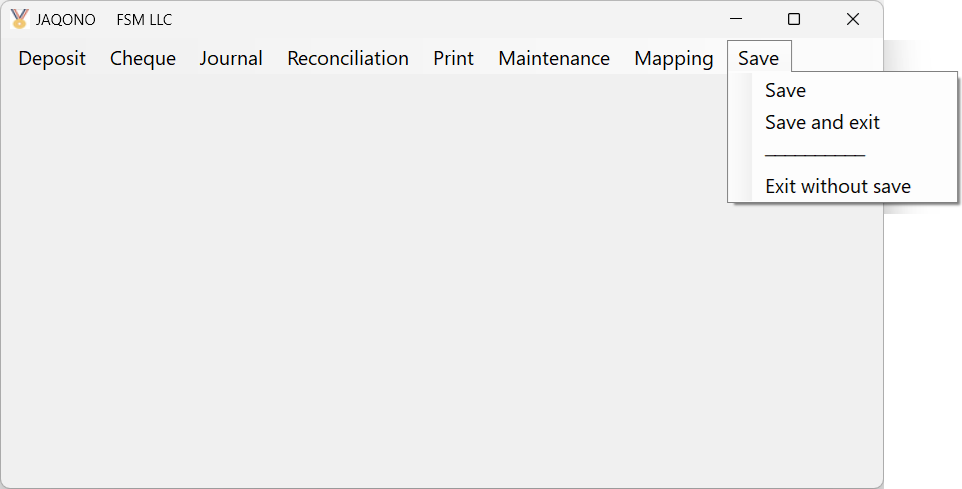
Select the operation (click it, or press the first letter of the operation (more than once for S), or move the cursor with the display keys, then press Enter key)
Save
| Save all changes to current data. |
Save and exit
| Save all changes to current data before you exit. |
Exit without save
| Exit the software without saving any changes. |