Once the enterprise has been selected from the List of enterprises and button Open books is clicked, the JAQONO menu bar is displayed:
Select the operation by clicking it or pressing the first letter (D,C,J,R,P,M,S).
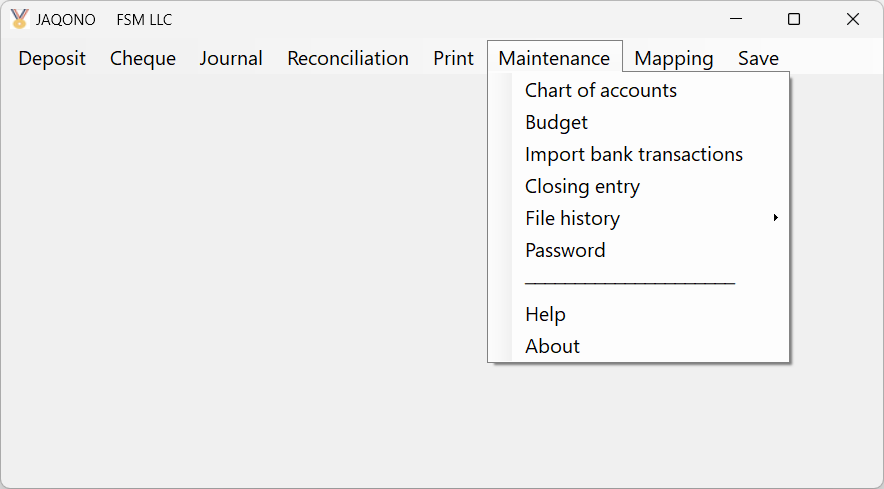
Figure: The JAQONO menu bar with the Maintenance drop-down menu.
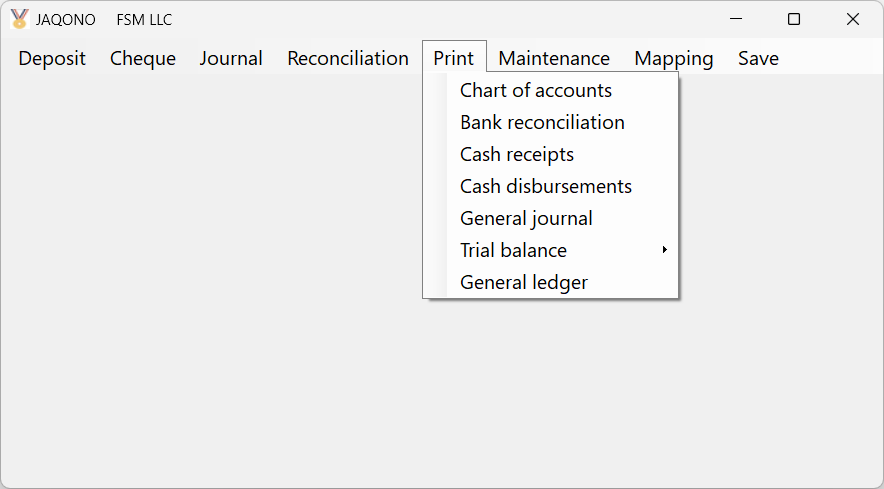
Figure: The JAQONO menu bar with the Print drop-down menu.
To select an operation from a drop-down menu, click it, or press the first letter of the operation (more than once to navigate to the next one with the same first letter), or move the cursor with the display keys, then press Enter key.
See the following sections to learn about each operation.