Comparative inserts additional balances, for the selected dates, to the right of the last balance shown on each row, for comparative presentation.
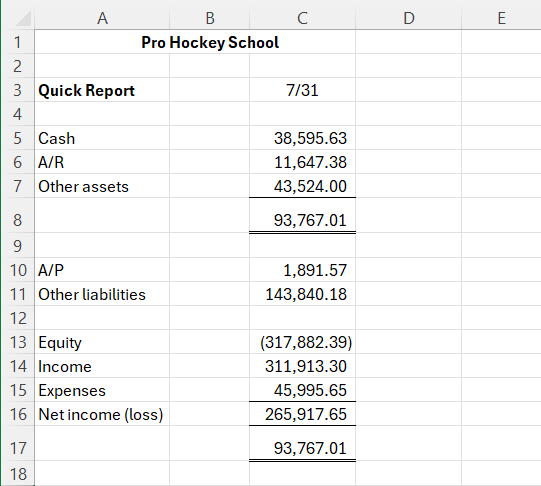
To illustrate, here is a financial report as of one selected date:
Toggling Comparative Periods
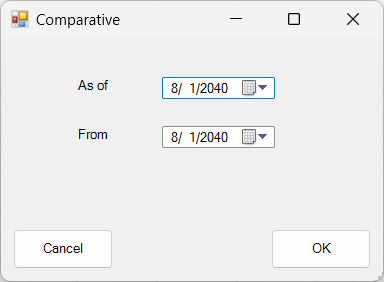
After clicking the Comparative button, you will be prompted to select, within the fiscal year initially specified for the FSM workbook, the date or date range you wish to show comparative balances.
Here is the same report with Comparative presentation:
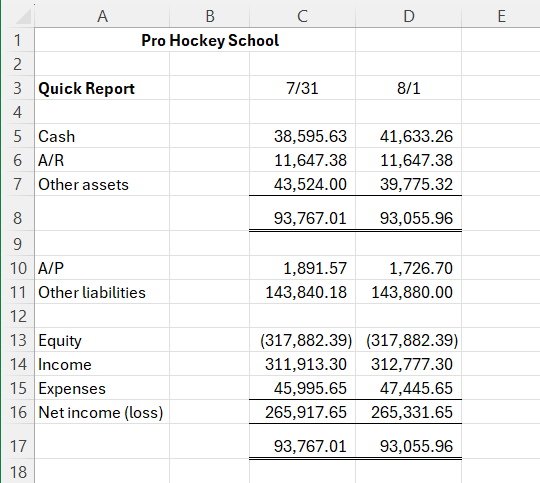
Note: Blank columns can be inserted between periods, for clarity.
Selecting range of dates
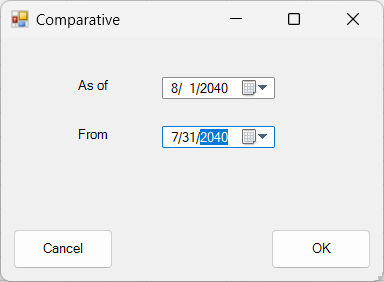
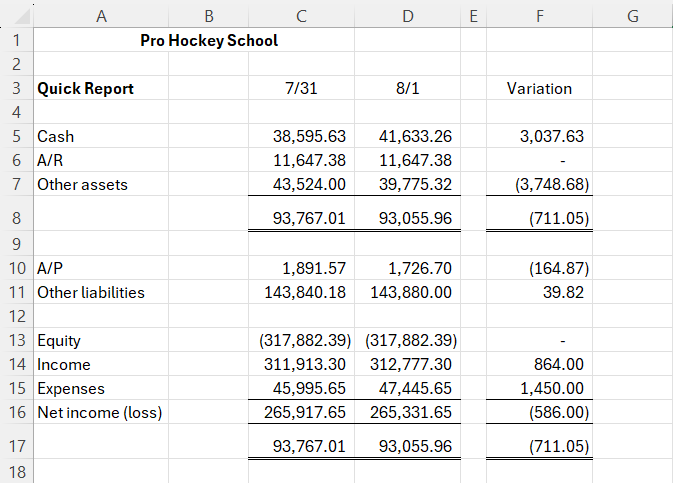
Here is the same report with Comparative presentation showing the variation between two dates:
Note that comparative balances can be added manually by copying existing balances and then selecting dates by clicking the Select Date button.