Disconnecting the ExcelFSM Utility App from QuickBooks Online Company
In your QuickBooks Online (QBO) company, click the My Integrations icon, then click Manage integrations. see screen shot
Click the Disconnect button. see screen shot
Alternative method: You can also disconnect the integration directly from the Utility App. see screen shot
When you disconnect, the following confirmation is prompted, and you will receive a confirmation email from Intuit. see screen shot
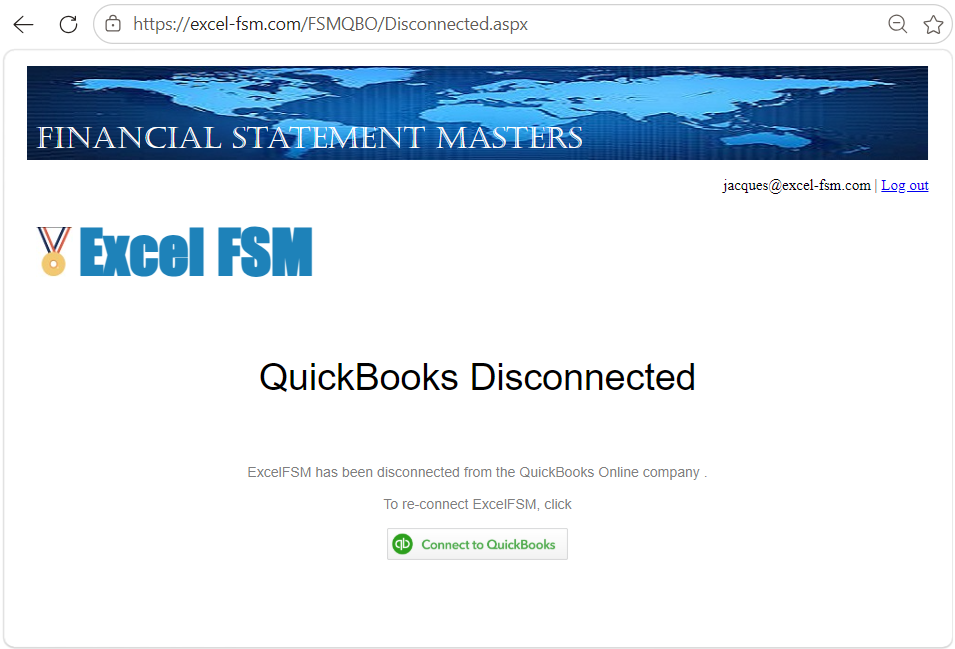
To reconnect, click Connect to QuickBooks to link the ExcelFSM QuickBooks Online Utility App back to your QBO company.
Alternative method: Repeat Step 1
Once reconnected, create the ExcelFSM QuickBooks Online Company File as described in Step 2