Get Started - Hybrid Edition for QuickBooks Desktop Users
After installing ExcelFSM, an FSM ribbon is added into your Excel
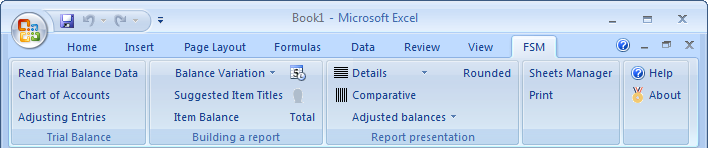
The FSM ribbon contains buttons, separated into groups ordered from left-to-right reflecting the actions you will do to prepare financial reports.
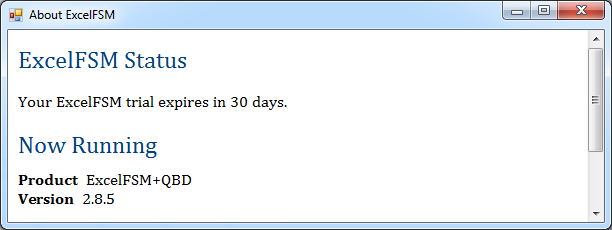
Clicking the ‘About’ button shows the edition and the version installed
Clicking the ‘Help’ button opens the Help file
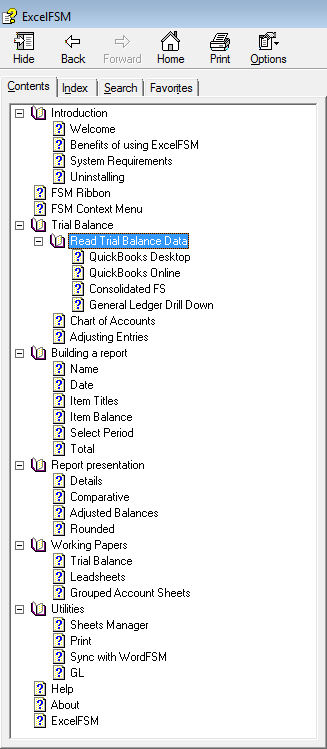
You can always refer to the Help file if you have questions about one of the FSM buttons.
Granting ExcelFSM access to a QuickBooks company file
First time you will 'Read Trial Balance Data' in ExcelFSM, you'll be asked to allow ExcelFSM to read and modify QuickBooks company file.
(Note that ExcelFSM does not modify the QuickBooks company file. It only reads data.)
Start QuickBooks.
Open the company you want to grant ExcelFSM access to the accounting data.
In Excel, click the ‘Read Trial Balance Data’ button in the FSM ribbon.
The following dialog appears
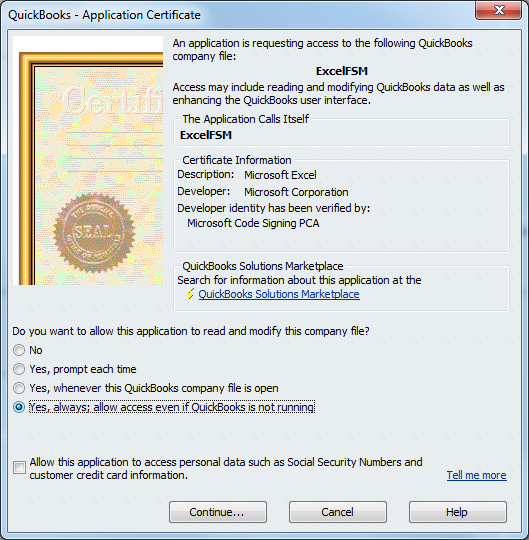
Select oYes, always; allow access even if QuickBooks is not running
Click 'Continue'
The following dialog is shown
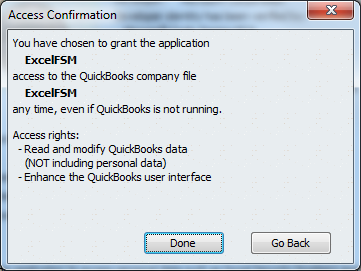
Click 'Done'
From now on, ExcelFSM will be able to 'Read Trial Balance Data' from that company, even if QuickBooks is not running with the company file open.
Specify an as-of date for the trial balance.
ExcelFSM will pull out the trial balance data from the QuickBooks company file, and organized it into Excel.
You can refer to the ‘Read Trial Balance Data’ topic in the Help file, and to the following video
 Importing Trial Balance Data / QuickBooks (1:40).
Building a report
Read this document See how it works.
Watch the following video
Building A Financial Statement (3:49).
Refer to the Help file.
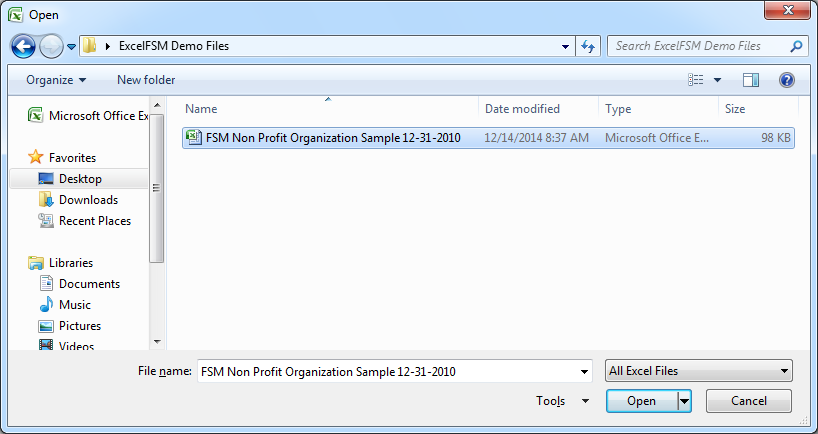
You can also refer to the ExcelFSM sample workbook "FSM Non Profit Organization Sample 12-31-2010.xslx" installed on your Windows Desktop (in a folder called 'ExcelFSM Demo Files').
You can open it in Excel by double clicking its icon, or by performing the File | Open command from within Excel.
Furthermore, look at the Tutorials
Feel free to contact us thru the Contact page if you have any question.