Select the accounting data file to associate (link) with the ExcelFSM workbook.
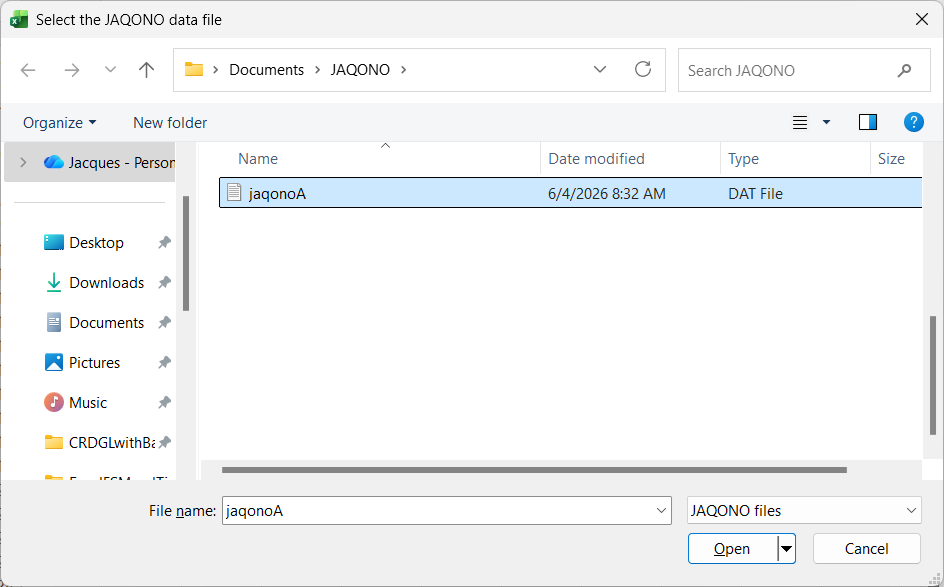
Clicking Select data file opens the standard Windows dialog, with the type of file (bottom right) set to JAQONO files:
Results
Click OK. The following actions occur:
•The trial balance data is imported and organized
•A new FSM workbook is created. It's name is
FSM<Enterprise>.