Select a date or a date range for a range of cells.
You can select a range of cells containing item balances, and select the date or date range for these item balances.
•Select a range of cells
•Click on Select Date
•Specify the date or date range and click OK.
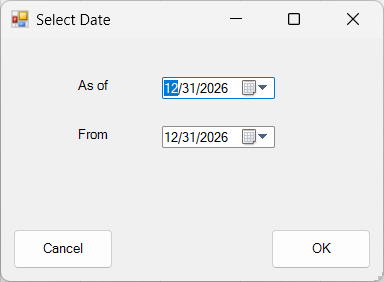
Shortcut: In addition to the FSM ribbon button, access this dialog by right-clicking on a worksheet cell to open its context menu.
Hint: For the Cash Flow Statement, the sense of all Items must be Credit.