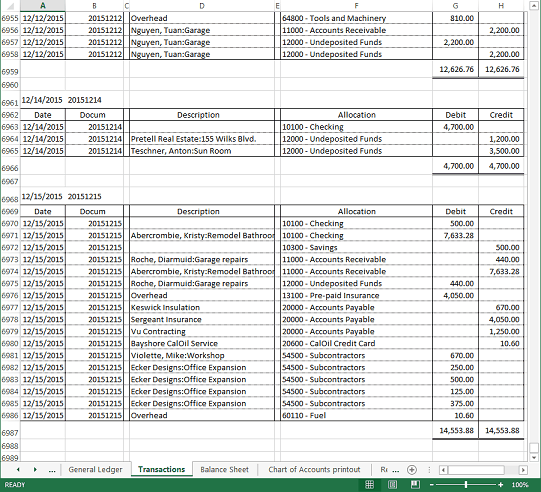
Create a new worksheet with all the Transactions and a new worksheet with the complete General Ledger.
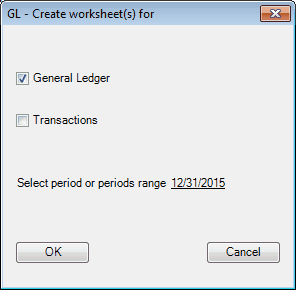
General Ledger - Check if you want to create the General Ledger worksheet.
Transactions - Check if you want to create the Transactions worksheet.
Select period or periods range - click the link line if you want to select a period or range of periods.
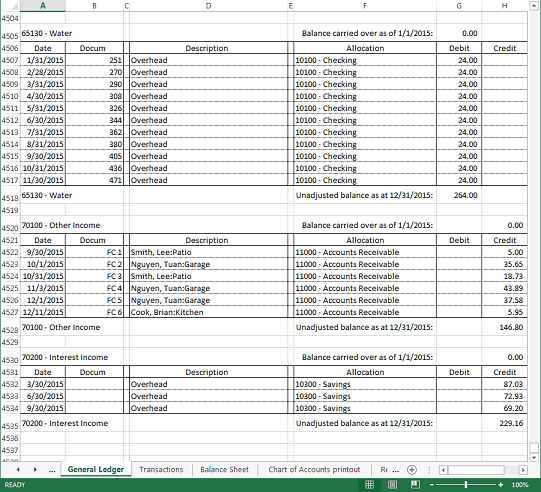
If adjusting entries are recorded, the general ledger printout will list the adjusting entries allocated to the accounts, as shown below
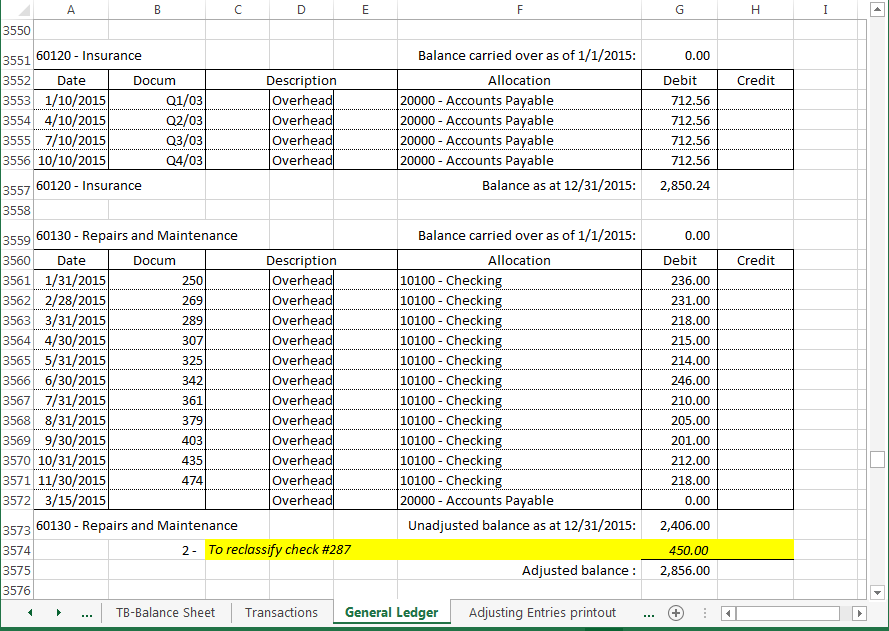
Hint: Balance as at, Unadjusted balance as at, and Adjusted balance, are clickable. Double-clicking on these in the General Ledger sheet will display the Account Balance Detail. When Balance carried over as of date is not the beginning of the year, Balance carried over as of is also clickable.
Excel specifications and limits
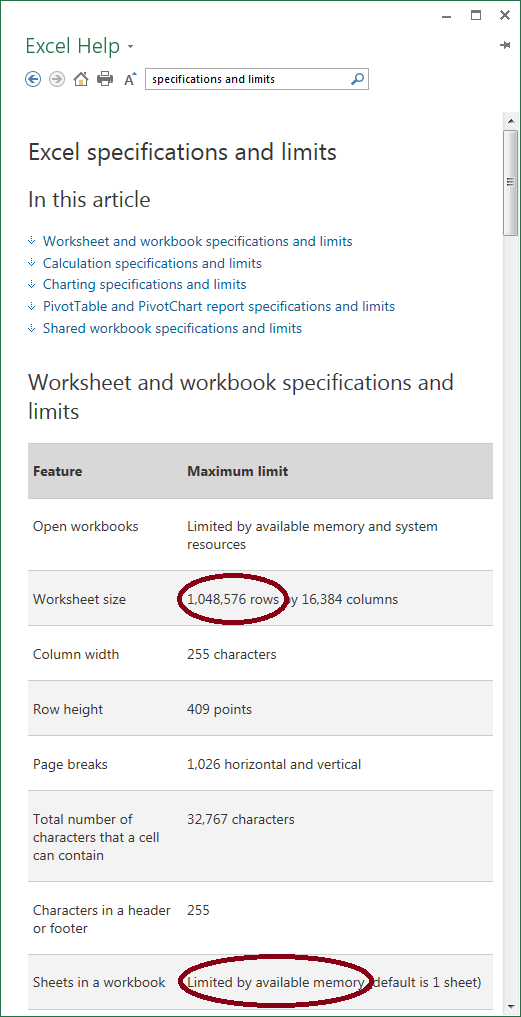
If the limit of 1 million rows is reached while creating a Transactions worksheet or a General Ledger worksheet, a new worksheet with a sequential number will be added:
'Transactions 2', Transactions 3', etc.
'General Ledger 2', 'General Ledger 3', etc.